
BEFORE
Photos everywhere
Customer photos arriving through texts, AirDrop, and QR codes.
One calm place to collect customer photos, organize every order, and keep your magnet business moving from upload to print.
14 days free, then $24/month · Card required

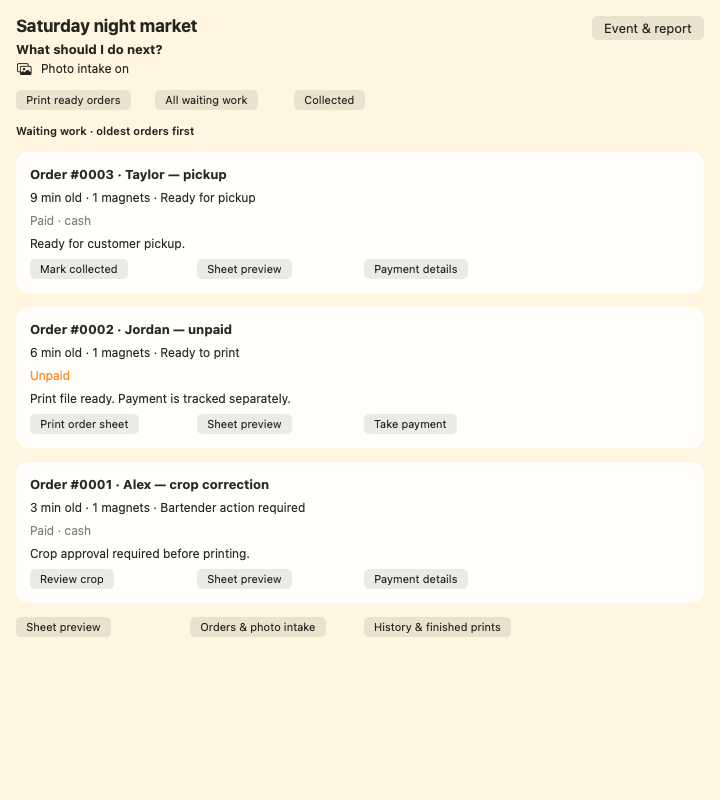
Waiting work · oldest orders first
Review the customer photos before preparing the print.
✦ Recommended nextReview cropReady orders · check the sheet preview
Review the sheet layout before sending it to the printer.
✦ Recommended nextReview sheetCheck the physical print before marking the work finished.
Collected orders
Finished, paid, and in the customer’s hands.
A clear handoff, from the first photo to the final pickup.
01 Receive→02 Prepare→03 Hand over
Less juggling. More making.
BEFORE
Customer photos arriving through texts, AirDrop, and QR codes.
BEFORE
Handwritten notes and mental checklists make a busy market harder than it needs to be.
BEFORE
Repeated downloading, renaming, cropping, and arranging before anything can be printed.
From phone to fridge
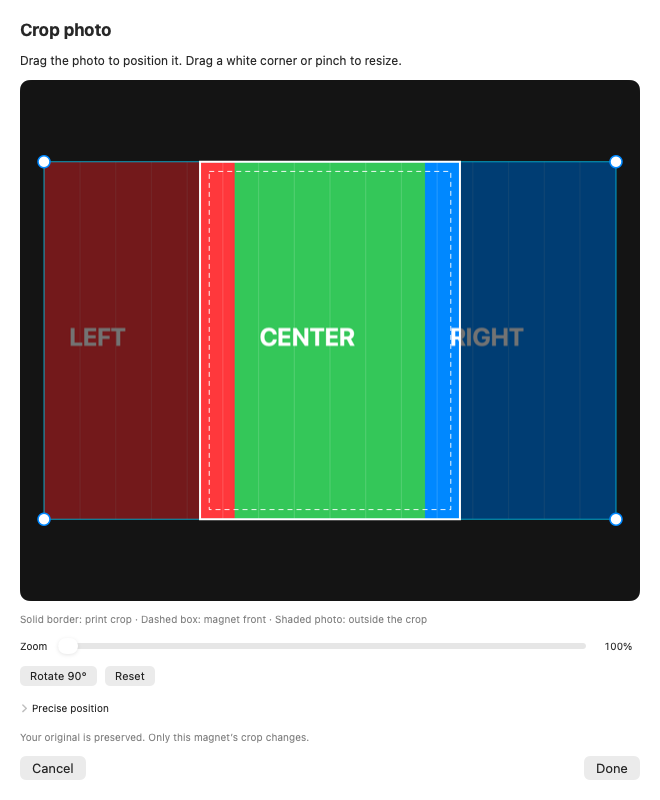
Customers can upload photos through the browser. In the Mac app, review the crop, adjust its position, zoom, or rotate before preparing the print.
See each order’s next action, from crop review to printing and pickup. Payment status stays separate from production status.
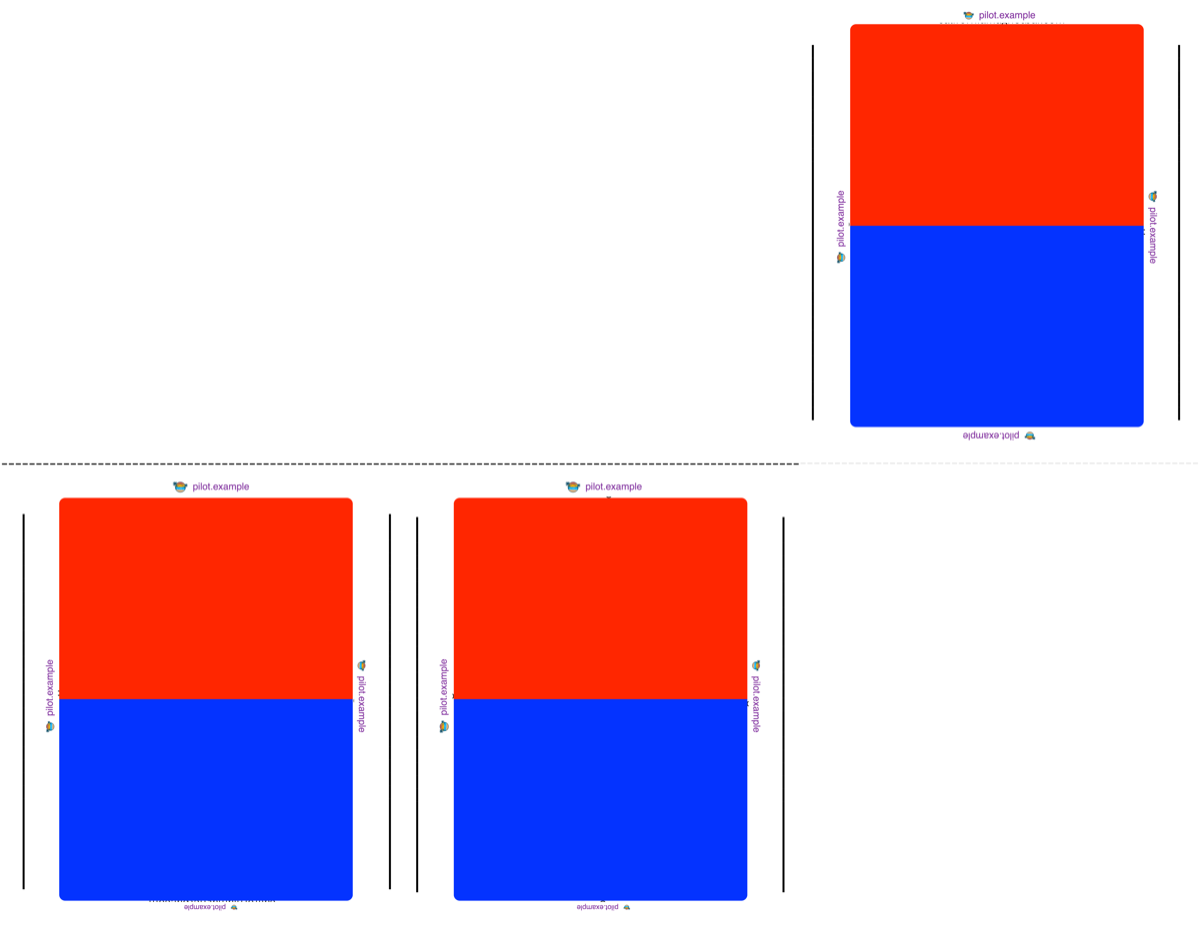
Prepare a print sheet with cut guides, review the output, and track the order through pickup. Confirm the physical print before marking the work finished.
Made for your rhythm
Give customers a guided way to submit their order while you stay focused on making and fulfilling.
Keep the image, customer, quantity, and order details connected from the start.
Move work through a simple visual flow instead of keeping the whole queue in your head.
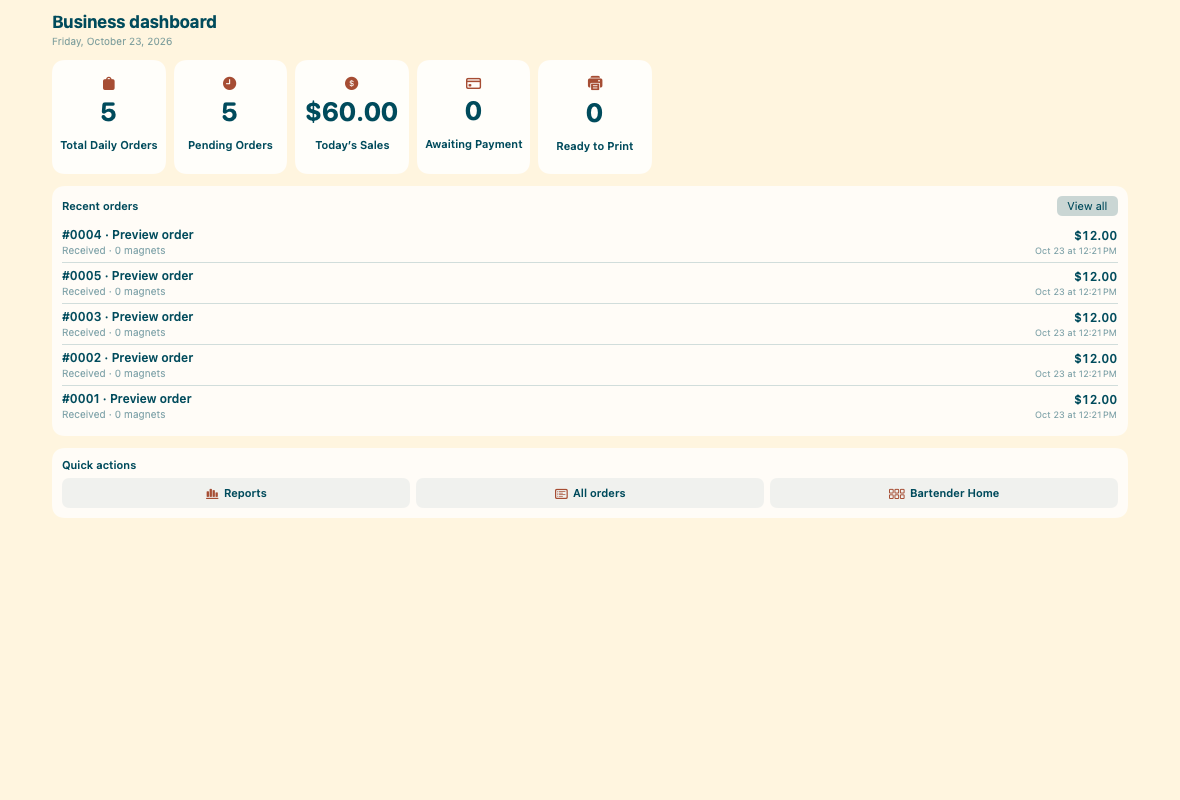
A clear view of incoming and completed work helps you make better decisions during and after every event.
“Built around the way magnet makers actually work.”
Thoughtful, practical, and warm—just like the businesses it supports.

 Real markets. Real memories.Our California Magnet Bar booth and the little keepsakes behind it all.
Made close to the work
MagnetBar comes from the rhythm of real markets: the rush when a crowd arrives, the details that matter, and the joy of handing someone a memory they can take home.
That means fewer generic tools—and more thoughtful choices built around the work in front of you.
Meet California Magnet BarSimple from the start
Try MagnetBar free for 14 days, then $24 USD per month. Card required. Cancel before the trial ends to avoid the first charge.
$24USD / month
Launch pricing
Good questions
Have a question we haven’t covered? We’d love to hear it.
Ask us directlyMagnetBar is being designed for small businesses that make custom photo magnets at markets, celebrations, pop-ups, and through online orders.
Customers upload photos in a phone browser. The operator app runs on macOS 14 or later; an iPad operator app is not available in the current build.
The Mac app includes event sessions, order actions, crop review, payment status, and pickup tracking. Printer and paper settings need to be checked with your own equipment.
The launch offer is 14 days free with a card required, then $24 USD per month until canceled. Cancel before the trial ends to avoid the first charge. Pilot requests do not start a subscription.
Your next event can feel lighter
14 days to try your workflow. Then $24 USD per month, with a card required at checkout. Check your Mac and equipment before enrolling.
Get started Enrollment opens after pilot setup is verified.